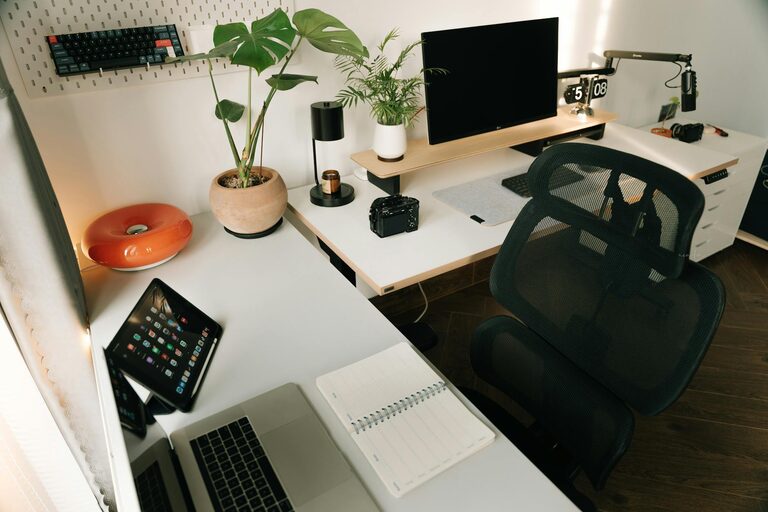
Creating a comfortable and productive home office space is essential for anyone working remotely or balancing home tasks alongside professional responsibilities. A well-designed workspace can improve focus, reduce stress, and support a healthy routine. Whether you have a dedicated room or a small corner, this guide provides practical tips to help you design an office space that works best for you.
Choose the Right Location
The first step in creating a comfortable home office is selecting the ideal spot. Consider areas that receive natural light and have minimal distractions.
– Natural Light: Position your desk near a window to benefit from daylight, which can improve mood and focus.
– Quiet Area: Find a space away from household noise, such as a spare room or a quiet corner of the home.
– Accessibility: Make sure your chosen spot is easy to access and has sufficient room for your office essentials.
Invest in Ergonomic Furniture
Comfort is key when working for extended periods. Ergonomic furniture supports your body posture and helps prevent strain.
– Ergonomic Chair: Choose a chair with adjustable height, lumbar support, and comfortable padding.
– Desk Height: Your desk should allow your arms to rest comfortably with elbows at a 90-degree angle.
– Foot Support: Use a footrest if your feet don’t comfortably reach the floor.
Organize Your Workspace Efficiently
A clutter-free space helps maintain focus and efficiency.
– Declutter Regularly: Keep your desk free from unnecessary items to create a peaceful environment.
– Storage Solutions: Use shelves, drawers, and organizers to store supplies neatly.
– Cable Management: Tidy up cords with clips or sleeves to prevent tangling and keep the area neat.
Optimize Lighting
Proper lighting reduces eye strain and enhances alertness.
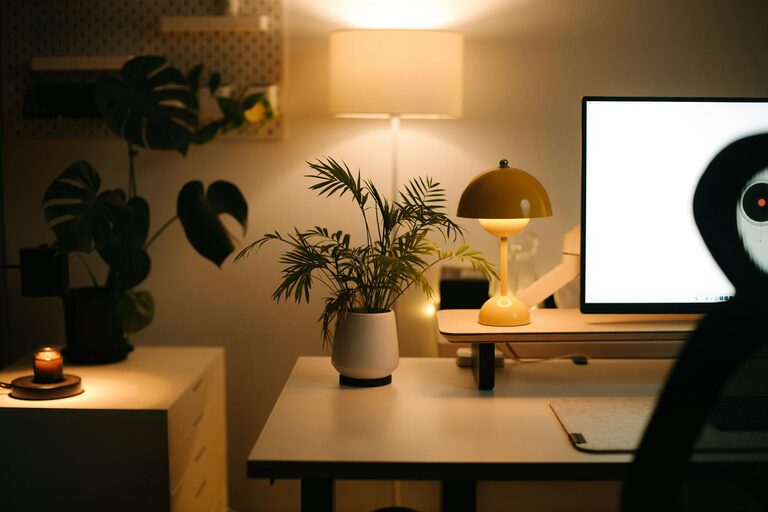
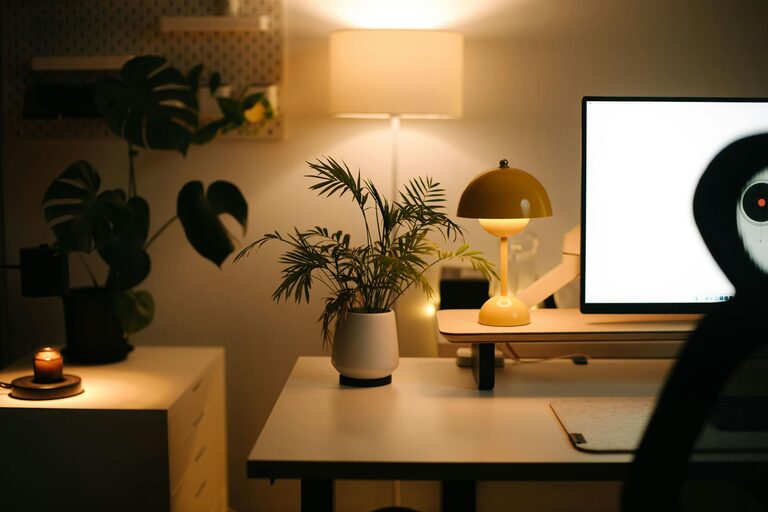
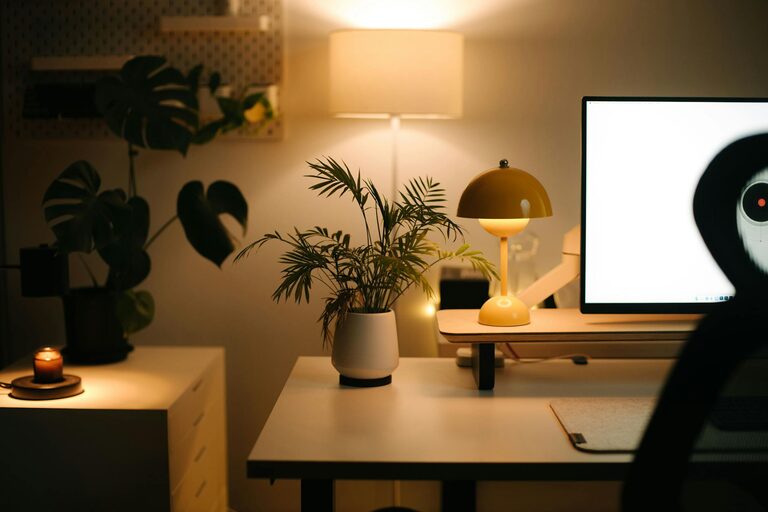
– Combine Lighting Types: Use a mix of natural light, overhead lighting, and task lighting like desk lamps.
– Adjust Brightness: Make sure lighting is bright enough to see clearly without causing glare on screens.
– Color Temperature: Soft white or daylight bulbs reduce eye fatigue better than harsh, cool lighting.
Personalize Your Space
Adding personal touches can make your home office more inviting and motivating.
– Decorate Mindfully: Choose colors and décor that inspire calm and creativity.
– Plants: Incorporate greenery to improve air quality and add a touch of nature.
– Inspirational Items: Include artwork, quotes, or photos that encourage you throughout the day.
Set Up Technology Properly
Reliable technology is foundational to productivity.
– Stable Internet: Ensure your workspace has a strong and dependable internet connection.
– Quality Equipment: Invest in a good monitor, keyboard, and mouse to improve comfort and efficiency.
– Backup Power: Consider an uninterruptible power supply (UPS) for important devices to avoid disruptions.
Establish a Routine
Design your home office to support a productive schedule.
– Defined Work Hours: Set consistent start and end times to separate work from personal life.
– Break Area: If space allows, have a separate spot nearby where you can take breaks to recharge.
– Minimize Interruptions: Use techniques like a “Do Not Disturb” sign or noise-canceling headphones when focusing.
Maintain Good Air Quality and Temperature
Comfort includes air quality and room temperature.
– Ventilation: Open windows or use fans to keep fresh air circulating.
– Air Purifiers: Consider an air purifier if you have allergies or want to improve indoor air quality.
– Thermostat Control: Keep the temperature between 68°F and 72°F (20-22°C) for optimal comfort.
Keep Essentials Within Reach
Efficiency improves when you have tools and supplies close at hand.
– Desk Organizers: Use trays, pen holders, and drawer organizers.
– Document Storage: Keep important papers filed nearby but out of the way.
– Supplies: Stock commonly used supplies like notebooks, chargers, and headphones within easy access.
Regularly Refresh Your Space
A home office is a dynamic space best kept up to date.
– Rearrange Occasionally: Changing the layout can help keep the space feeling fresh.
– Clean Weekly: Dust and wipe down surfaces to maintain hygiene.
– Review Needs: Periodically assess whether your office still supports your productivity and adjust accordingly.
—
With these straightforward tips, you can create a home office that not only supports your day’s work but also encourages a sense of well-being and balance. Remember, the best workspace is one that fits your unique needs and habits, making every workday more enjoyable and productive.